Restoration Answering Service: First Call Wins the Job (24/7, Los Angeles)
Call 818-699-9145 right now and hear it work. That is Lisa, live, day or night, English and Spanish.
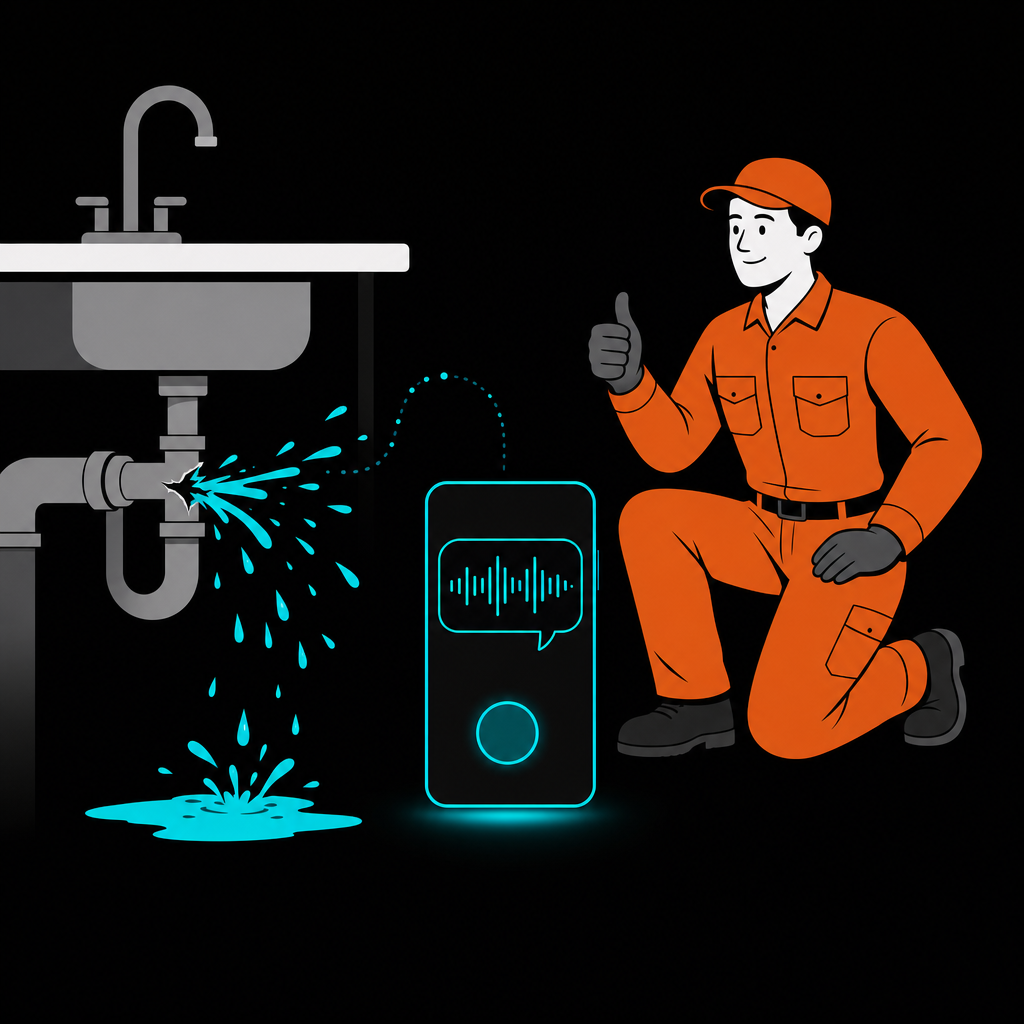
A pipe bursts at 2 AM. The homeowner is standing in two inches of water, phone in hand, calling down the Google results one by one. They are not leaving voicemails. They are not waiting for a callback. The first restoration company that answers gets the job.
A restoration answering service is a 24/7 phone service that picks up every water, fire, mold, and sewage emergency call, gathers the loss and insurance details, and books the job before a competitor answers.
And that job is not a $300 service call. Insurance-funded water and fire losses regularly run $10,000 to $50,000 and up. In restoration, one unanswered ring at night can be the most expensive missed call in all of home services.
Serving Los Angeles: We answer calls for water, fire, mold, and sewage restoration companies across Los Angeles and the surrounding metro, including Glendale, Burbank, Pasadena, Santa Clarita, Long Beach, and the San Fernando Valley.
Restoration Is a First-to-Answer Business
Short answer: LeadFix AI is a done-for-you answering service built for restoration companies. Lisa answers every water, fire, mold, and sewage call 24/7, collects the loss and insurance details, and books the emergency visit into your calendar. It runs $597 a month plus a one-time $1,797 setup, and it comes with a 14-day guarantee: if Lisa does not book you a job in your first two weeks, your monthly fee pauses and we keep working free until she does.
Every trade loses money to missed calls. Restoration is different in three ways that make the phone your single most important piece of equipment:
- Emergencies happen at night. Floods, sewage backups, and fire damage do not wait for office hours. The calls worth the most come in exactly when nobody is at the desk.
- The caller is in a panic. Water is spreading through their floor right now. They will not "try again in the morning." They call the next company within seconds of hitting your voicemail.
- Damage grows by the hour. Industry guidance says mold can begin developing within 24 to 48 hours of water exposure. Homeowners know this. Speed is the whole sale.
The 2 AM Math
That is the quiet leak in most restoration companies: the work is excellent, the trucks are ready, and the phone rings into voicemail at the exact moment a five-figure job is deciding who to hire.
What Lisa Does for Restoration Companies
Lisa is a virtual receptionist that answers every call to your company, around the clock, in English and Spanish. For restoration specifically, she:
- Answers on the first ring, 24/7. Two calls at once during a storm? She takes both. No hold, no voicemail, no per-minute billing.
- Qualifies the loss. Water, fire, mold, or sewage? Active leak or old damage? Residential or commercial? Your crew knows what they are walking into.
- Collects insurance details upfront. Carrier, claim status, adjuster contact if there is one. The paperwork that slows restoration jobs down starts on the very first call.
- Books the emergency visit. Straight into your calendar, and the customer gets an SMS confirmation. True emergencies trigger an instant alert to your phone.
- Sends you everything. Full transcript, recording, and job details the moment the call ends.
What Restoration Companies Need From an Answering Service
Forget generic feature lists. Restoration has four requirements most services were never built for:
- 2 AM is prime time. Floods, sewage backups, and fire losses happen at night and on holidays. Whoever answers first usually wins the claim.
- Insurance intake on call one. Loss type, claim status, carrier, adjuster. If your answering service only takes a name and number, your crew starts every job blind.
- Surge capacity. One storm weekend can bring 40 calls in a day. Human operators put surge callers on hold. Panicked homeowners do not hold.
- Booked, not relayed. A message slip at 7 AM is a lead that already hired someone else at 2:15 AM. The call has to end with a time on your calendar.
Best Answering Services for Restoration Companies: 6 Compared
| Service | Type | Pricing | Books the job? | Who runs it |
|---|---|---|---|---|
| LeadFix AI (Lisa) | Done-for-you AI receptionist | Flat monthly, see pricing | Yes, onto your calendar, with insurance intake | We do. You touch nothing. |
| AnswerForce | Human call center | Quote-based, per-minute style plans | Mostly messages and relays | Their operators, your scripts |
| Specialty Answering Service | Human call center | Per-minute plans | Messages | Their operators |
| Nexa | Human/AI hybrid center | Quote-based | Varies by plan | Their team, you manage the setup |
| Ruby | Human virtual receptionist | From $250/mo for 50 minutes | Messages, some booking | Their receptionists |
| Rosie | DIY AI app | From $49/mo for 250 minutes | Yes, if you configure it | You. Setup, scripts, upkeep. |
1. LeadFix AI (Lisa): the done-for-you option
LeadFix AI is a Los Angeles service, not software. We build, train, and run Lisa for your restoration company: your service area, your scripts, your calendar, your CRM. She answers every call on the first ring, 24/7, in English and Spanish, asks what happened (water, fire, mold, sewage), collects the insurance details, books the emergency visit, and alerts your on-call crew instantly. Unlimited simultaneous calls, so storm surges book like normal weeks. The catch: we are not the cheapest row on this table, and we are not an app you can tinker with. That is the point.
2. AnswerForce: human call center for surge overflow
A 24/7 staffed call center with restoration experience. Solid if you want human voices and mainly need message-taking. The catch: per-minute style billing climbs exactly when storms hit, and most calls end as relayed messages, not booked jobs.
3. Specialty Answering Service: high-volume national center
Hundreds of operators, fast pickup times, decades in the industry. The catch: generalist operators reading scripts. They will not walk a panicking homeowner through claim details, and you pay by the minute.
4. Nexa: the hybrid with integrations
Human receptionists with AI assists and integrations into CRM and scheduling tools. The catch: you are the project manager. Setup, integration choices, and plan tuning sit on your desk.
5. Ruby: premium human receptionists
Excellent live receptionists starting at $250/month for 50 minutes. The catch: 50 minutes is one busy morning in restoration, and after-hours emergency calls are exactly where minute-based plans hurt most.
6. Rosie: the budget DIY AI app
A capable AI answering app from $49/month for 250 minutes. If you like configuring software, it is real value. The catch: "you configure it" is the whole product. Scripts, calendars, edge cases, updates: that is now your second job, and a misconfigured bot answering a $30,000 fire loss call is an expensive experiment.
Call Center vs DIY App vs Done-for-You: Where the Work Lands
Every option above answers the phone. The difference is what lands on YOUR plate afterward. Call centers hand you message slips. DIY apps hand you a setup manual. A done-for-you service hands you a booked job with the insurance details attached, and that is the only version where the owner's workload stays at zero. That distinction, not the per-month sticker, is what decides whether you capture the 2 AM claim.
In restoration, the best marketing in the world loses to the competitor who simply picked up the phone at 2 AM.
How It Works
1. Forward your calls
After hours only, overflow only, or always-on. Your number does not change and callers never know the difference.
2. Lisa answers, qualifies, and books
She asks what happened, how bad it is, and whether insurance is involved, then books the visit into your calendar. Real emergencies page you immediately.
3. You show up first
You get the transcript, the insurance details, and a booked appointment. The homeowner gets a confirmation text and stops calling your competitors.
The Next 2 AM Call Is Coming
Booked jobs in 14 days, or we work free until you get one. Let Lisa answer the next emergency before your competitor does.
Talk to Us →Frequently Asked Questions
How Does an Answering Service Work for a Restoration Company?
You forward your calls (after hours or always-on). Lisa answers on the first ring, 24/7, asks what happened (water, fire, mold, or sewage), how bad it is, whether an insurance claim is being filed, and books the emergency visit directly into your calendar. You get the full transcript, recording, and insurance details instantly.
What Does a Missed Call Cost a Restoration Company?
Insurance-funded water and fire restoration losses regularly run $10,000 to $50,000 or more. A homeowner standing in two inches of water calls down the Google list until someone answers, so one missed 2 AM call is usually the whole job lost to the competitor who picked up.
Is This a Call Center or Software We Have to Set Up Ourselves?
Neither. LeadFix AI is a done-for-you service based in Los Angeles. We build, train, and run Lisa for your company: your scripts, your service area, your calendar, your CRM. No per-minute billing like a call center, and no software for you to configure.
What Is the Best Answering Service for a Restoration Company?
The one that answers 24/7, collects loss type and insurance details on the first call, and books the emergency visit instead of taking a message. Done-for-you services do all three with zero setup on your side; call centers relay messages; DIY apps do it only after you build and babysit them.
How Much Does a Restoration Answering Service Cost?
Call centers bill per minute, which spikes during storm surges. DIY AI apps start around $49/month plus your own setup time. Human receptionists like Ruby start at $250/month for 50 minutes. Fully managed service is a flat monthly rate: our pricing is public here.
Can an Answering Service Collect Insurance Information on the First Call?
Most call centers only capture a name and number. A restoration-trained AI receptionist asks what happened, whether a claim is being filed, and captures carrier and adjuster details, so the paperwork that slows restoration jobs down starts on the very first call.
What Happens During Storm Surges When Every Phone Rings at Once?
Human operators put callers on hold, and homeowners standing in water do not hold. An AI receptionist answers unlimited simultaneous calls on the first ring, so a 40-call storm weekend books like a normal week instead of feeding your competitors.
Sources
- Invoca: "How Much Missed Sales Calls Cost Home Services Businesses" (27% unanswered, under 3% leave voicemail)
- HomeAdvisor: Water damage restoration cost data; large insurance-funded losses commonly reach five figures
- EPA: Mold growth can begin within 24 to 48 hours of water exposure
- Ruby published pricing (checked July 2026)
- Rosie published pricing (checked July 2026)